Best Free AI Girlfriend App: What to Look For (Anime vs Realistic, Mobile, Low Data)
What a genuinely free AI girlfriend start looks like, how to stretch free credits, how anime and realistic companions differ, and how to use AI gf chat on a phone with limited data.
7 min read
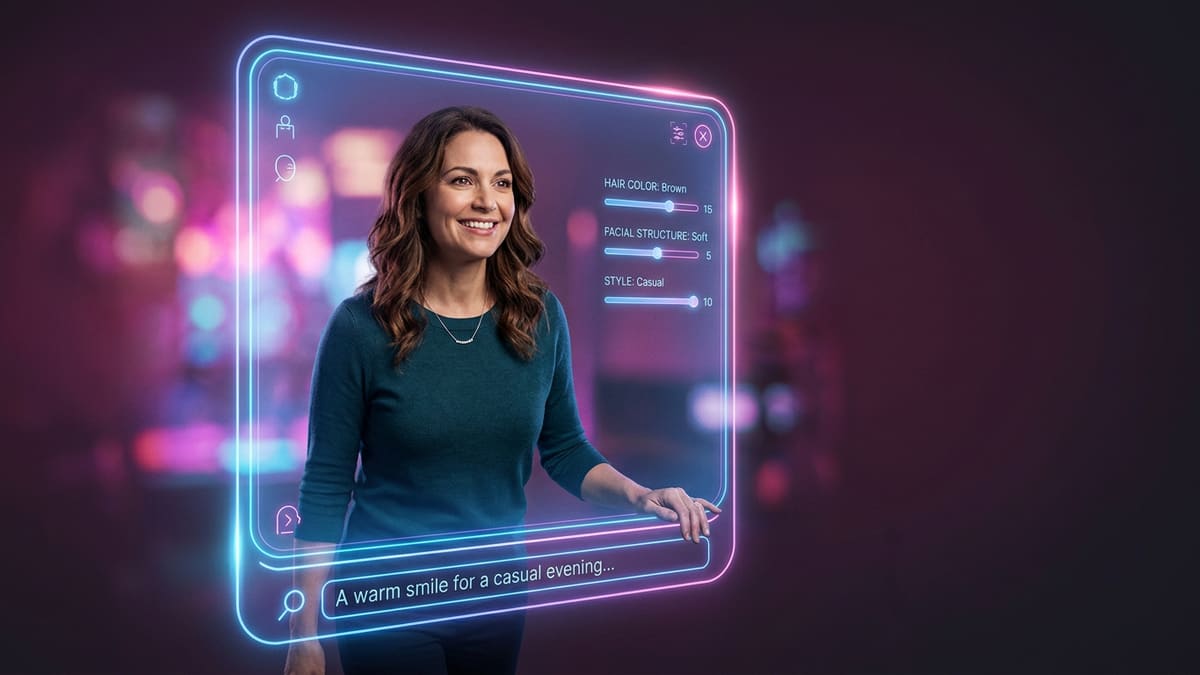
"Free" is the most searched word next to AI girlfriend in India, and for good reason: you shouldn't have to pay before you know whether a companion actually clicks. But "free" means very different things from app to app. This guide explains what a fair free tier looks like, how to stretch it, and how to pick between an anime AI girlfriend and a realistic one — all with mobile and low-data use in mind.
We're an independent guide. Links marked "Start" are affiliate links. We don't rank apps by who pays us; we explain what to check so you can judge for yourself.
What does "free" actually mean in an AI girlfriend app?
Free usually means a starting balance of credits (sometimes called coins or dreamcoins) that you spend on messages, pictures, and calls. When they run out, you wait for a refill or upgrade. Truly unlimited free chat is rare because every reply costs the app real computing money.
There are three common free models:
- Starter balance — You get a one-time pile of credits on sign-up. Generous ones let you chat for a few evenings.
- Daily refill — A small amount resets every day. Good for casual chat, frustrating for long roleplay.
- Limited free model — Unlimited chat on a small, older model; better models and media cost credits.
None of these is a scam; they're just different trade-offs. What is a red flag is an app that asks for card details before you've sent a single message, or one that hides prices until you're mid-conversation.
How do I get the most out of free credits?
Spend free credits on text with the standard model, write a strong one-line character so you don't waste messages fixing her, and save pictures for one or two moments. Skip video and long voice calls until you've decided the companion is worth keeping. Invite rewards can add extra credits.
Specific tactics that work:
- Front-load the character work. A precise opening line ("a cheerful Mumbai college student who's terrible at cooking but won't admit it") saves dozens of correction messages.
- Use a lorebook from day one. It costs nothing extra and stops you re-explaining your own name.
- Stay on the standard model. Bigger models cost more credits per message.
- One picture, not ten. Generate a single portrait you love and reuse it as her avatar.
- Use invite rewards. Many apps give both you and a friend extra credits after the friend's first chat. See our invite page.
Anime or realistic: which AI girlfriend should I choose?
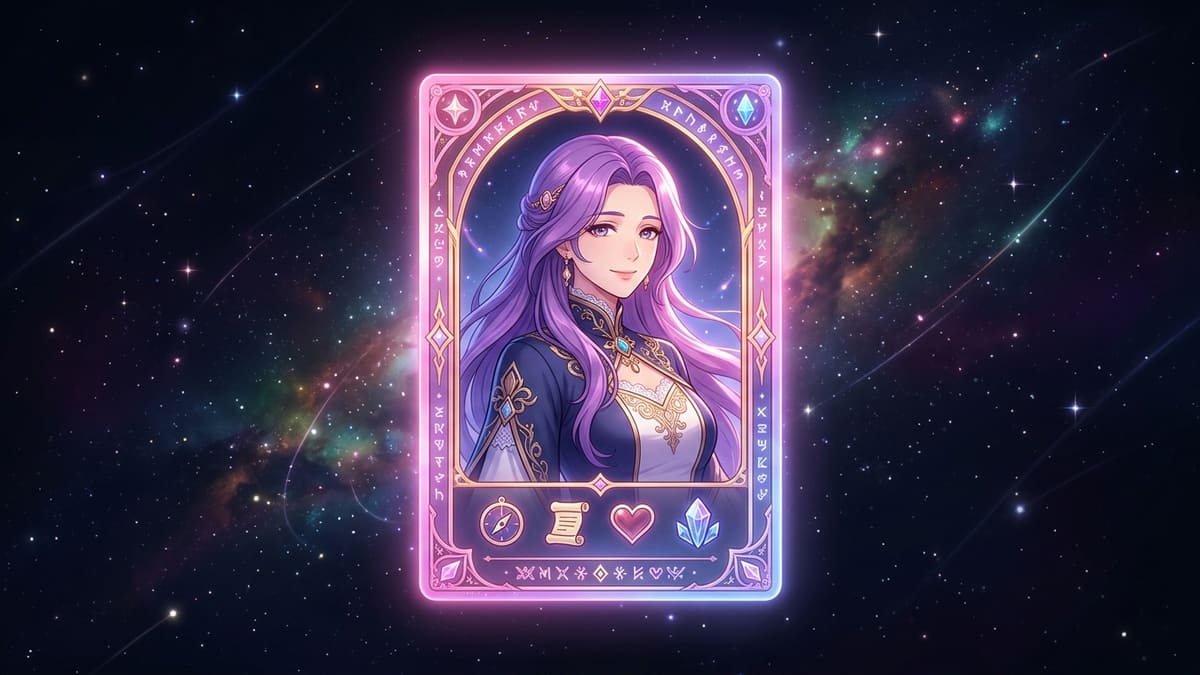
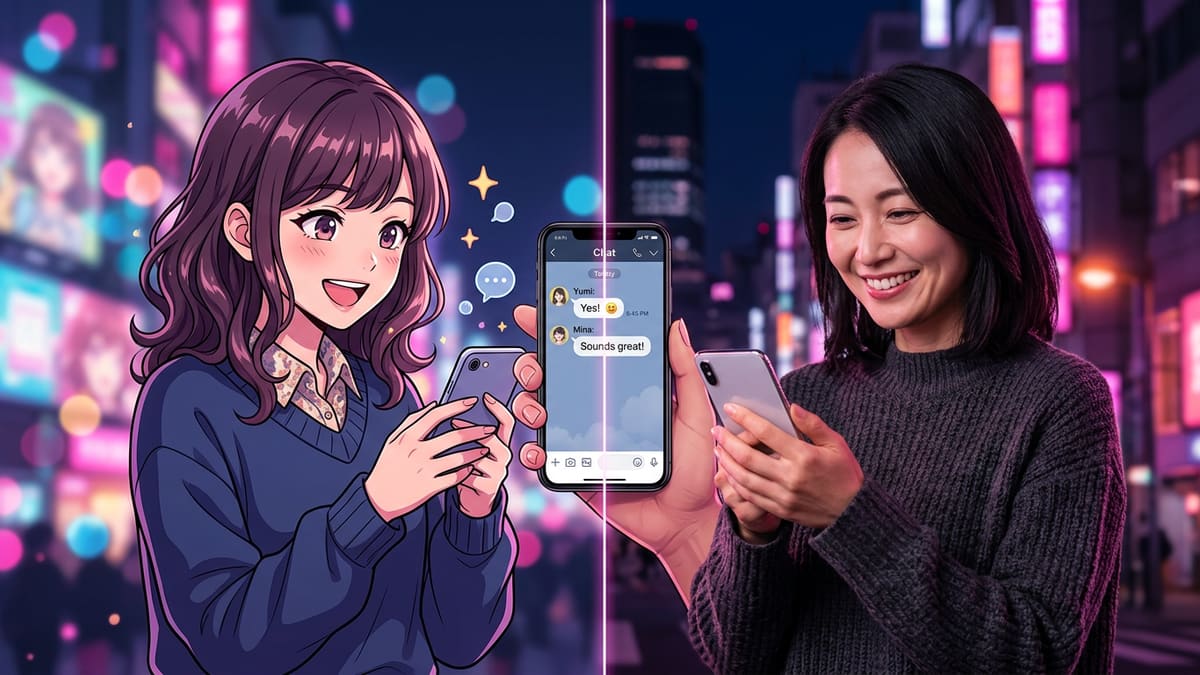
Choose anime if you enjoy playful, expressive, story-driven roleplay and want images that stay visually consistent. Choose realistic if you prefer quiet everyday conversation and photo-like pictures. Both use the same chat models, so personality and memory depend on your setup, not the art style.
| Anime | Realistic | |
|---|---|---|
| Typical vibe | Energetic, expressive, fantasy-friendly | Grounded, everyday, cosy |
| Image consistency | Very high — stylised features repeat well | Good, but small details can drift |
| Best for | Adventures, school-life stories, comedy | Daily check-ins, slow-burn romance |
| Data use per image | Similar | Similar |
Many Indian users start with anime because it feels less awkward at first and fits the roleplay culture they know from manga and games. Others prefer realistic because it feels more like texting a real person. You can always create one of each and see which you return to.
Will an AI girlfriend app work on a cheap phone or slow data?
Yes, if you stick mostly to text. Chat uses a tiny amount of data — far less than social media. Pictures are moderate, while voice and video are heavy. A browser-based app works on almost any Android phone without taking up storage, which is helpful on budget devices.
Low-data checklist:
- Open the app in your phone's browser instead of installing a large app.
- Turn on any "data saver" or "reduce motion" option, and disable autoplay video.
- Generate pictures only on Wi-Fi.
- Keep voice calls short; a voice note is cheaper than a live call.
- Close other tabs; long chats can be memory-hungry on 2–3 GB RAM phones.
Our own site follows the same principle: on slow connections we show still posters instead of auto-playing video.
When is Premium worth paying for?
Premium is worth it once you chat most days and keep running out of credits. It typically costs about US$19.99 monthly or roughly US$9.99 per month billed yearly, adds unlimited standard chat, and includes a monthly media allowance. Regional pricing may apply, so check the price in rupees at checkout.
Questions to ask before upgrading:
- Have I used the free tier for at least a week?
- Do I mostly chat (cheap) or mostly want pictures and calls (credit-heavy)?
- Does the app support my preferred payment method — UPI via Play billing, or a card?
- Is there a monthly option, so I'm not locked into a year?
If you're unsure, pay monthly first. The yearly discount is only a good deal if you're still using it in month four.
What features matter more than price?
Long-term memory, a working lorebook, a choice of chat models, consistent images, and clear privacy controls matter more than a slightly lower price. A cheap app that forgets your name every evening wastes more of your time and money than a fair one that stays consistent.
Feature checklist for any virtual girlfriend app:
- One-line character creation with an editable profile
- Lorebook or world book support
- At least two chat models (fast and creative)
- Anime and realistic art styles
- Voice notes or calls in English (and ideally Hindi)
- Chat history export or deletion
- Clear content and age policy (18+)
Is an AI girlfriend app safe to use in India?
Use reputable apps that are 18+ only, publish a privacy policy, and let you delete your data. Avoid sharing your real name, phone number, address, or financial details in chats. India's Digital Personal Data Protection Act gives you rights over your data, so check that the app explains how to use them.
Also watch out for fake "AI girlfriend" apps that are really scams: ones that pressure you to send money, move to WhatsApp, or share personal photos. A genuine AI companion never needs money transferred to a "person."
Can I chat with an AI girlfriend in Hinglish or Hindi?
Yes. Modern language models understand Hinglish — English mixed with Hindi words in Roman script — and many can write Hindi in Devanagari. Write her character line and lorebook in the style you want her to reply in, and she'll usually follow your mix of languages naturally.
Tips for Hinglish AI gf chat:
- Set the style in her profile. Add a line like "She speaks casual Hinglish, mixing English with Hindi words like yaar, arre, and accha."
- Reply the way you want her to reply. Models mirror your tone; if you write in Hinglish, she'll answer in Hinglish.
- Be patient with voice. Text handles Hinglish well; voice features may sound more natural in plain English or plain Hindi, depending on the app.
- Add cultural detail to the lorebook. Her favourite chai stall, the festival she loves, her city — these make her feel local rather than generic.
How do I spot a fake or unsafe AI girlfriend app?
Avoid apps that ask for money transfers to a "person," push you onto WhatsApp or Telegram, request personal photos, lack a privacy policy, or have no 18+ age check. Legitimate AI companion apps bill through app stores or a clear checkout and never need you to send money to an individual.
Warning signs to watch for:
| Red flag | Why it matters |
|---|---|
| "She" asks you to send money or gift cards | That's a romance scam, not an AI app |
| Moves chat to WhatsApp or Telegram | Real AI apps keep chat in the app |
| No privacy policy or contact details | No accountability for your data |
| No age verification | Suggests the app ignores basic rules |
| Huge "lifetime" discounts with countdown timers | Pressure tactics, often with no refunds |
| Requires card details before any free chat | You can't judge quality before paying |
If an app ticks more than one of these boxes, close it. There are plenty of reputable options that let you start free and explain exactly what you're paying for.
How do I start right now?
Create one character with a specific one-line description, add three lorebook entries, and chat on the standard model using your free credits. Try one picture once you like her personality. After a week, decide whether you need Premium or whether the free tier covers how you use it.
For a fuller walkthrough, read how to create an AI girlfriend. If you enjoy story-style roleplay, AI character card basics explains how experienced users structure characters. And our FAQ covers billing, privacy, and languages in one place.
A good AI girlfriend app should earn your money, not demand it upfront. Start free, stay specific, and upgrade only when she's worth it.
Frequently asked questions
Is there a completely free AI girlfriend app?
Several apps let you start free with a credit balance, and some refresh small free amounts. Truly unlimited free chat is rare because language models cost money to run. A good free tier lets you create a character, chat meaningfully, and try a picture before deciding to pay.
Which is better, an anime or a realistic AI girlfriend?
Neither is better; it's taste. Anime companions suit playful, expressive, story-heavy roleplay and tend to look consistent across images. Realistic companions suit slower, everyday conversation. Personality, memory, and model choice matter more than art style.
Does an AI girlfriend app use a lot of mobile data?
Text chat uses very little data. Pictures use a moderate amount, and voice calls and video use the most. On a slow or capped connection, stick to text, turn off autoplay video, and download media only on Wi-Fi.
Can I pay for an AI girlfriend app with UPI?
It depends on the app and the store. Apps sold through Google Play can use Play billing, which supports UPI in India. Web checkouts often accept cards only. Check payment options before buying a yearly plan.