How to Create an AI Girlfriend: A Step-by-Step Guide for 2026
A practical walkthrough for building an AI girlfriend that stays in character — from a one-line prompt to lorebook entries, model choice, and media — with honest notes on cost and privacy.
7 min read

Creating an AI girlfriend sounds like it should be complicated, but the good apps have reduced the hard part to a single sentence. What separates a forgettable chatbot from a companion you actually want to come back to is everything that happens after that sentence: how she remembers things, which model writes her replies, and whether her pictures and voice match the person you're talking to.
This guide walks through the full process the way experienced users do it. It's written for readers in the US and Canada searching for an AI girlfriend app, and for readers in India looking for an AI girlfriend app free to try on a phone. Everything here works on mobile.
Ourdream Chat is an independent guide. We describe how AI companion apps generally work and link to one we use; those "Start" links are affiliate links.
What is an AI girlfriend, exactly?
An AI girlfriend is a fictional character powered by a large language model that you chat with like a partner. She has a name, a personality, a look, and a backstory you define. Good apps add long-term memory, generated pictures, and voice, so the character feels consistent across days instead of resetting every session.
It helps to separate three layers, because each one is configured differently:
- The character — her name, personality, speech style, and appearance. This is what you write in the creation box.
- The memory — recent chat history plus a lorebook (sometimes called a world book) that stores facts the model should always know.
- The model — the language model that writes her replies. Faster models are cheaper; larger models write longer, more coherent scenes.
When people complain that an AI companion "forgot everything" or "sounds generic," the problem is almost always in layer two or three, not in the character description.
How do I write a one-line character that works?
Write one sentence with three parts: a personality trait, a setting, and a specific detail. For example: "A gentle Lisbon street photographer who teases you about your bad coffee." The trait sets the tone, the setting grounds her, and the detail gives the model something concrete to keep returning to.
Here's why the formula works. Language models are excellent at filling in plausible detail, but they drift toward the average unless you anchor them. "Sweet girlfriend" produces the average. "Gentle photographer who teases you about your coffee" produces a person.
Some examples that work well:
- "An energetic anime art student who narrates her day like a sports commentator."
- "A dry-humoured archivist in Toronto who quotes old letters at the worst moments."
- "A cool, quiet night-shift DJ who only opens up after midnight."
And some that don't:
- "Perfect girlfriend, loving and caring." — No setting, no hook.
- "A 24-year-old with brown hair, 5'6", likes music, movies, travel, food…" — A list of facts with no personality. Save appearance details for the image prompt and background facts for the lorebook.
Once you submit the line, most apps generate a short profile and a portrait. Read the profile. If anything feels off — the wrong age range, the wrong vibe — edit it now. It's far easier to fix the foundation than to argue with the character later.
What is a lorebook and do I need one?
A lorebook is a list of short facts the app injects into the conversation whenever a related keyword appears. It keeps names, places, and relationship history consistent over long chats. You don't need one for your first evening, but you'll want one within a week.
Think of it like a cast bible for a TV show. The model has limited short-term memory — it can only "see" a certain amount of recent text. Anything older falls out of view. A lorebook entry is a way of saying: whenever we mention the café, remind yourself that it's called Pastelaria Aurora and that's where we met.
A good starter lorebook has five to ten entries:
| Entry | Trigger keywords | Content |
|---|---|---|
| Her background | her name, childhood, family | Where she grew up, one formative memory |
| You | your name, job | What she knows about you |
| How you met | met, first date | The story, in two sentences |
| Key place | café, apartment | What it looks like and why it matters |
| Running joke | coffee | The joke and how she uses it |
Keep each entry under about 80 words. Short, specific entries trigger more reliably and cost less context than long essays. Our lorebook and world book setup guide goes deeper on keywords and ordering.
Which chat model should I choose?
Start on the balanced, standard model for everyday chat — it's fast and usually included in Premium. Switch to a creative "Muse"-style model for romantic or descriptive scenes, and to the largest "Genius"-style model for long plots where consistency matters more than speed.
Most apps now offer a few tiers. The names vary, but the trade-offs are the same everywhere:
- Balanced — Quick replies, good everyday conversation, lowest cost. Ideal for "how was your day" chat.
- Muse — More expressive and descriptive prose. Better for romantic scenes and storytelling, slightly slower.
- Genius — Largest context and strongest reasoning. Best for multi-chapter roleplay with many characters, but it uses more credits per message.
A practical habit: stay on Balanced most of the time and switch up for big moments. If you notice the character contradicting her own lorebook, that's often a sign the scene has grown long enough to benefit from the larger model.
How do I add pictures, voice, and video?
Generate pictures from the chat itself so they reuse her saved appearance, then try a voice note or call once you like how she writes. Video clips are the most expensive, so save them for moments that matter. Media usually costs dreamcoins or credits rather than being unlimited.
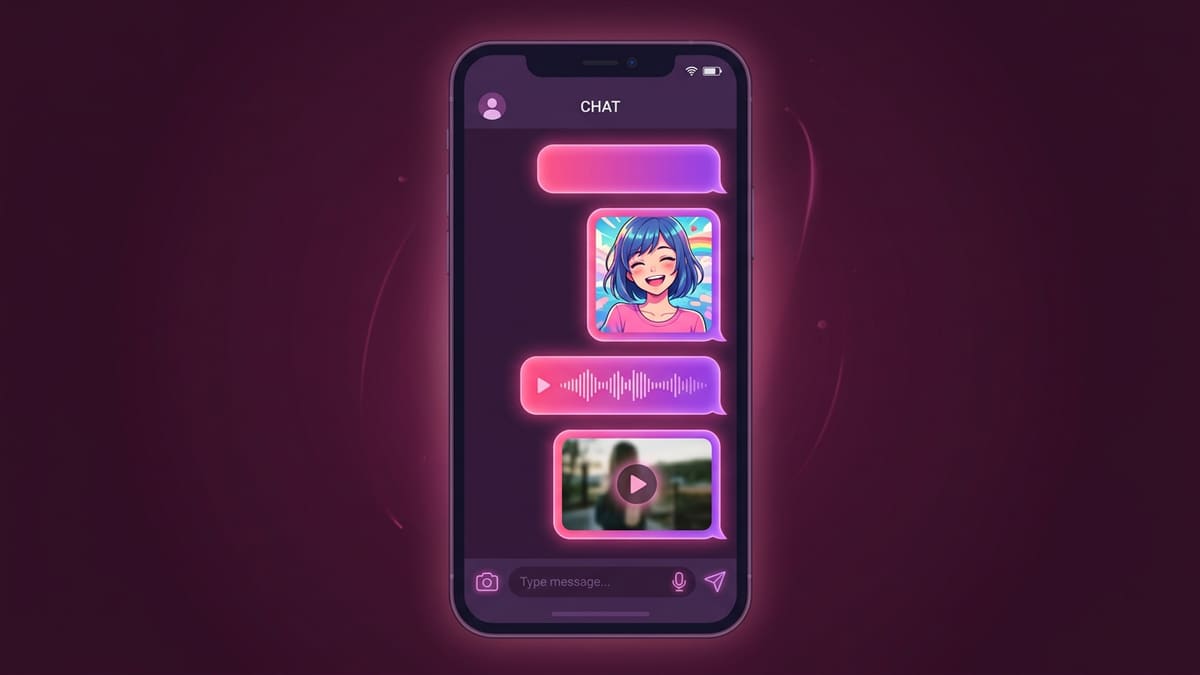
Consistency is the thing to watch. A companion who looks different in every picture breaks the illusion faster than a bad reply. Three tips:
- Lock the art style. Choose anime or realistic once and stick with it.
- Keep appearance in one place. Store hair, eye colour, and signature clothing in her profile or a lorebook entry so every image prompt pulls from the same source.
- Ask in-character. "Send me a photo from the café" tends to produce better, on-theme images than a detached prompt.
All reputable apps prohibit explicit imagery of real people, and many keep media non-explicit by default. Check the app's content policy before you rely on any particular feature.
How much does an AI girlfriend app cost?
Most apps let you start free with a small credit balance. Premium typically runs about US$19.99 month to month or roughly US$9.99 per month billed yearly, with unlimited standard chat and a monthly credit allowance for media. Regional pricing may apply, so confirm at checkout.
A few cost rules of thumb:
- Text on the standard model is the cheapest thing you can do; on Premium it's usually unlimited.
- Larger models cost more per message, even on Premium.
- Pictures cost a small number of credits each; voice calls are usually billed per minute; video is the most expensive.
- Yearly plans roughly halve the monthly price but lock you in — try the free tier for a week first.
In India and other markets where card payments are less common, check which payment methods the app supports before you get attached to a character.
Is chatting with an AI girlfriend private?
Your chats are stored on the app's servers so the character can remember them, which means they're not end-to-end encrypted. Choose an app with a clear privacy policy, use a dedicated email, avoid sharing real identifying details, and delete conversations you don't want kept.
Practical privacy habits:
- Use a nickname rather than your full name in the lorebook.
- Don't share your address, workplace, or financial details in roleplay.
- Look for an option to delete individual chats or your whole account.
- In the EU and UK, you have GDPR rights to access and delete your data. Canada's PIPEDA and India's DPDP Act provide similar rights.
What mistakes do beginners make?
The common mistakes are writing a long list instead of a personality, never creating a lorebook, staying on one model for every scene, and generating images without a fixed art style. Each one causes drift. Fixing them takes minutes and makes the character feel dramatically more consistent.
A quick checklist for your first week:
- Character line has a trait, a setting, and a detail
- Profile reviewed and edited after generation
- Five lorebook entries written, each under 80 words
- Art style chosen and kept consistent
- Switched to a bigger model at least once for a long scene
- Privacy settings and data-deletion option located
What should I do next?
Create one character tonight using the one-line formula, chat for ten minutes, then write three lorebook entries based on what came up. Tomorrow, try a picture and a short voice note. Within a week you'll know whether the experience is worth upgrading.
If you're comparing options first, read our roundup of the best free AI girlfriend app options, or learn how roleplayers structure characters in AI character card basics. For a feature-by-feature overview, see Features and the beginner guide.
Above all, remember that an AI companion is a piece of fiction you co-write. The more specific you are, the better the story — and you're always in control of where it goes.
Frequently asked questions
How do I create an AI girlfriend for free?
Most AI companion apps give you a free starting balance. Write a one-line description of the character you want, let the app generate a profile and portrait, then spend the free credits on chat. You only need Premium if you want unlimited standard chat or more pictures and calls.
How long should my character description be?
One strong sentence is enough to start: personality, a setting, and one detail that makes her specific. You can expand later with a lorebook, which is where longer background facts belong, so the opening description stays short and readable.
Will my AI girlfriend remember previous conversations?
She remembers recent messages automatically and long-term facts you store in her lorebook or memory notes. If a detail matters across weeks — your job, a shared joke, a promise — write it into the lorebook instead of hoping the model keeps it.
Can I make an anime AI girlfriend instead of a realistic one?
Yes. Pick the anime art style when you generate the portrait, and keep that style for later images so she stays visually consistent. Personality and lore work the same way for anime and realistic characters.